最近生病,事情又多,焦虑…拖了好几天,9号创建的博客,12号才开始写…
最后还是决定用GStreamer先把程序跑起来,ffmpeg的方案实在是能力之外了。
一、GStreamer 这是调用野火官方给的gstreamer ,简单跑了一下没问题,但是其实有点bug
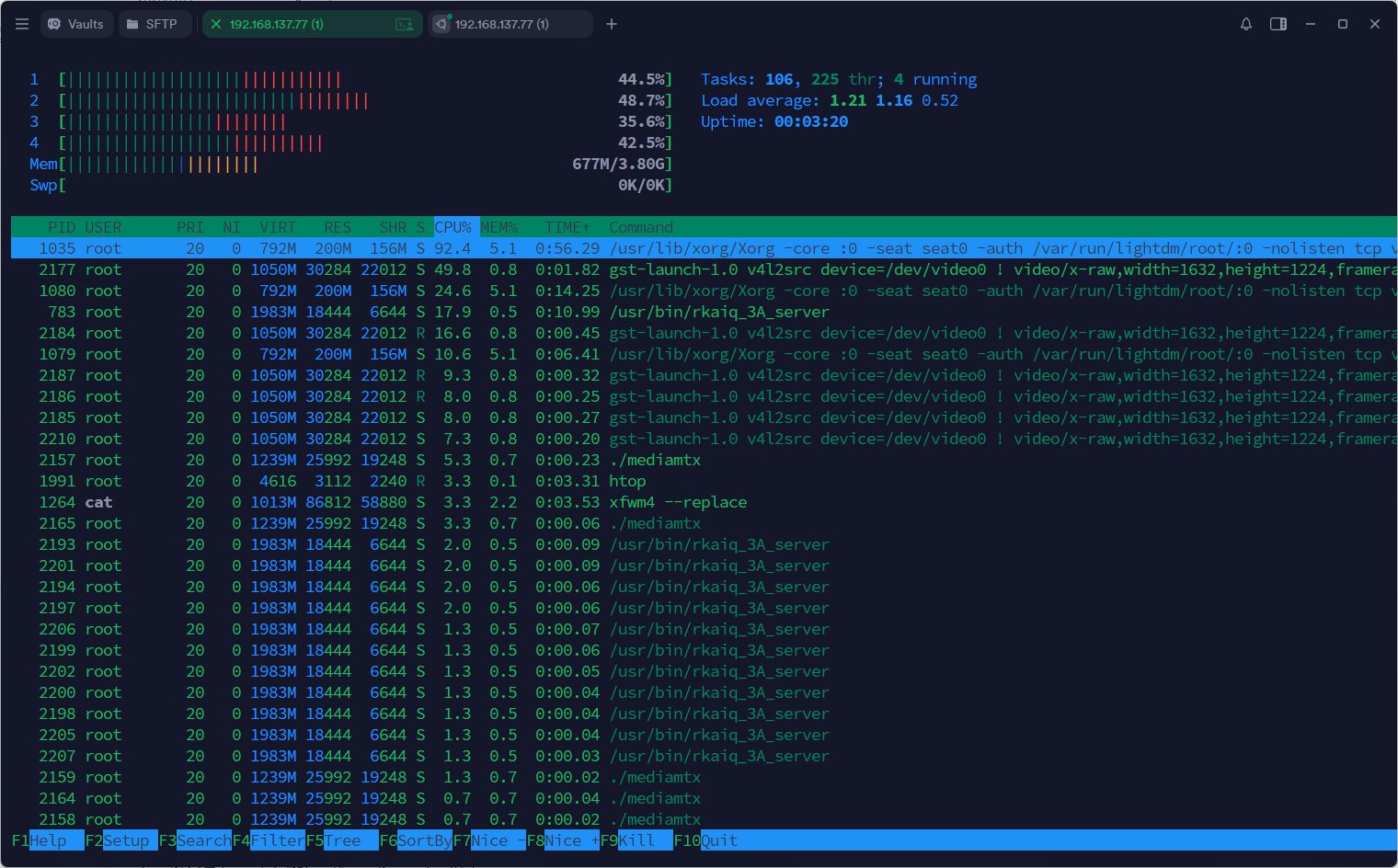
1 2 3 gst-launch-1.0 v4l2src device=/dev/video0 ! video/x-raw,width=1632,height=1224,framerate=30/1 ! tee name=t \ t. ! queue ! videoconvert ! autovideosink \ t. ! videoconvert ! mpph264enc ! queue ! h264parse ! rtspclientsink location=rtsp://127.0.0.1:8554/live
当我想进一步测试占用的时候,把显示的支路去掉,却发现会报错!
1 2 3 4 5 gst-launch-1.0 v4l2src device=/dev/video0 ! video/x-raw,width=1632,height=1224,framerate=30/1 \ ! videoconvert \ ! videoscale add-borders=true \ ! video/x-raw,width=1632,height=1232,format=NV12 \ ! mpph264enc ! queue ! h264parse ! rtspclientsink location=rtsp://127.0.0.1:8554/live
经过测试发现,mpph264enc的输入只支持16的倍数,而1224不符合,会调用一个自动转换的模块,但是我的librga版本是1.9.2,而mpp版本较低,只支持1.2.4。 为了解决这个问题,只能在外部手动修改一下分辨率…
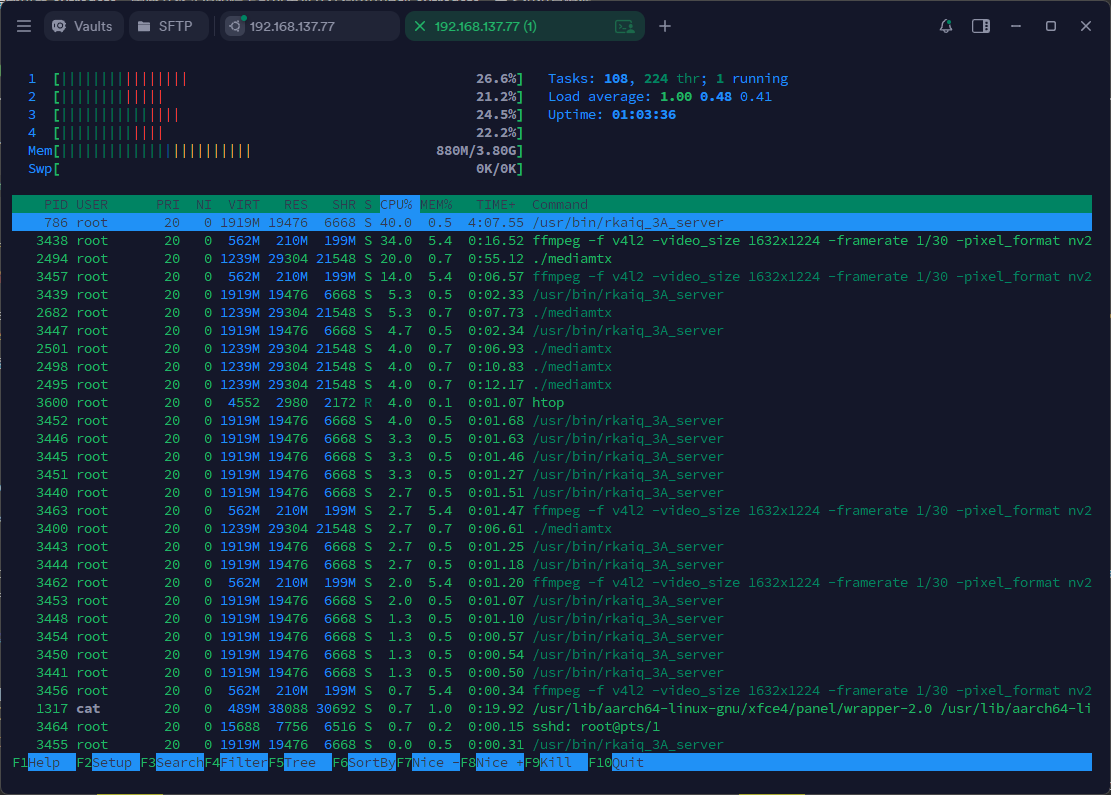
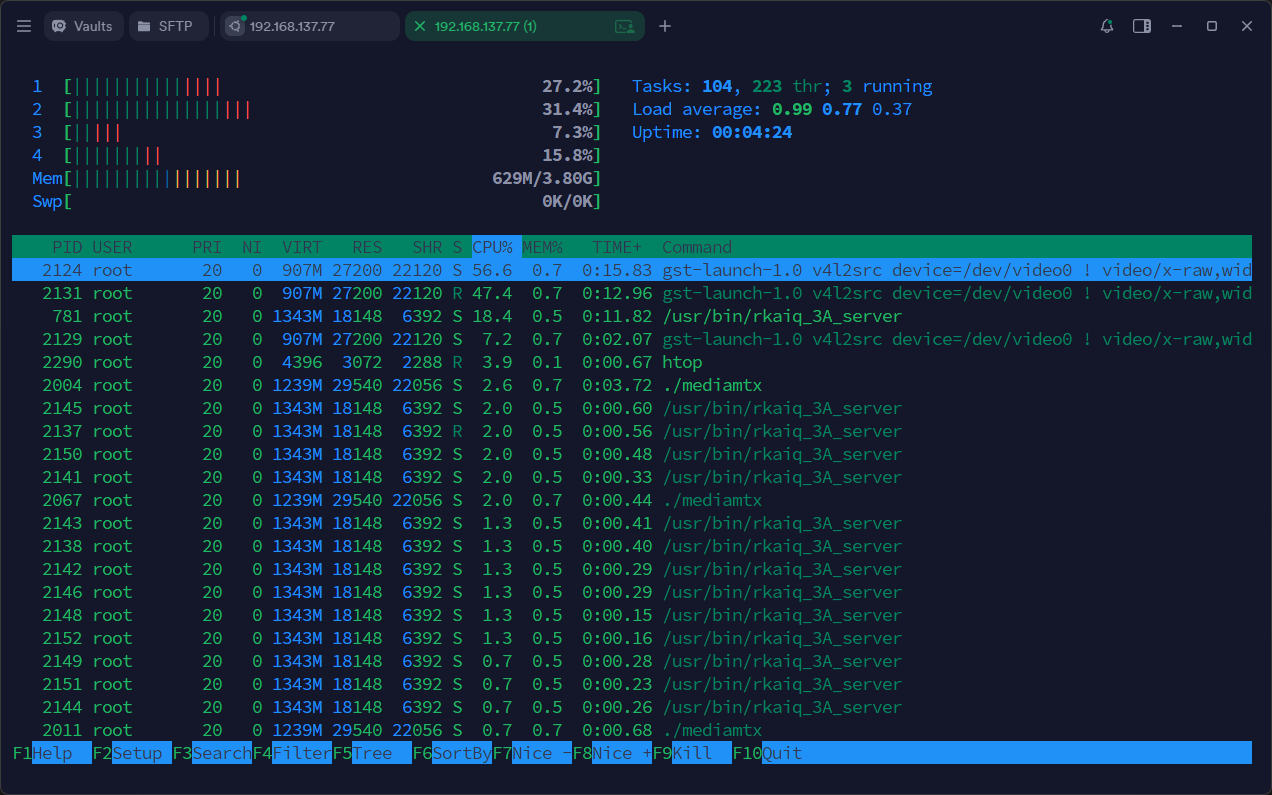
占用差不多,但是不知道为什么gstreamer有个核death了,整体占用稍比ffmpeg高一点
不过跑第一条指令的时候似乎也没有分辨率的这个问题,为什么没有报错呢? GLM给我的解释是:问题的根源不在于 tee 本身,而在于 tee 的下游分支(特别是显示端)不支持 DMA-BUF(零拷贝) ,导致整个管道被迫退回到传统的内存拷贝模式。 不过我们显然希望视频流一直被硬件加速,测试一下能否全程用RGA加速
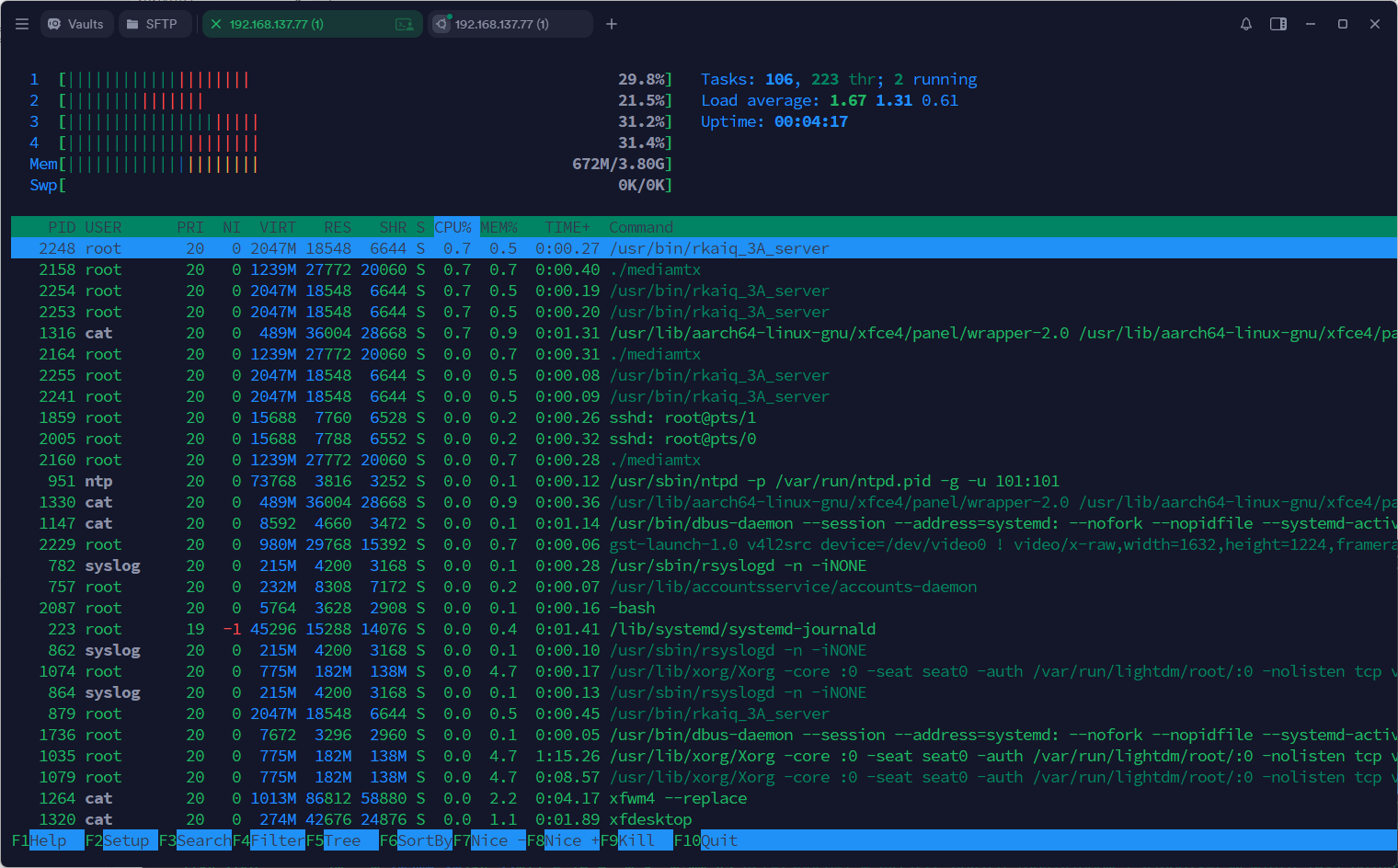
1 2 3 4 5 6 gst-launch-1.0 v4l2src device=/dev/video0 ! video/x-raw,width=1632,height=1224,framerate=30/1 \ ! videoconvert ! videoscale add-borders=true \ ! video/x-raw,width=1632,height=1232,format=NV12 \ ! tee name=t \ t. ! queue ! kmssink driver-name=rockchip \ t. ! queue ! mpph264enc ! h264parse ! rtspclientsink location=rtsp://127.0.0.1:8554/live
整体占用大概少了10%左右,还是可以的,也可以发现实时渲染桌面显示是及其消耗CPU的…
接到的这块RK3 568,装的是ubuntu系统,上面的python3环境已经自带PyGObject
1 2 3 4 5 6 7 8 9 10 11 12 13 14 15 16 17 18 19 20 21 22 23 24 25 26 27 28 29 30 31 32 33 34 35 36 37 38 39 40 41 42 43 44 45 46 47 48 49 50 51 52 53 54 55 56 57 58 59 60 61 62 63 64 65 66 67 68 69 70 71 72 73 74 75 76 77 78 79 root@lubancat:~/ffmpeg# pip3 list Package Version ---------------------------------------- -------------------- adafruit-blinka 8.62.0 adafruit-circuitpython-busdevice 5.2.13 adafruit-circuitpython-connectionmanager 3.1.5 adafruit-circuitpython-requests 4.1.13 adafruit-circuitpython-typing 1.12.1 adafruit-platformdetect 3.81.0 Adafruit-PureIO 1.1.11 binho-host-adapter 0.1.6 blinker 1.4 certifi 2019.11.28 chardet 3.0.4 Click 7.0 colorama 0.4.3 cryptography 2.8 cupshelpers 1.0 dbus-python 1.2.16 defer 1.0.6 distro 1.4.0 distro-info 0.23+ubuntu1.1 entrypoints 0.3 httplib2 0.14.0 idna 2.8 keyring 18.0.1 language-selector 0.1 launchpadlib 1.10.13 lazr.restfulclient 0.14.2 lazr.uri 1.0.3 macaroonbakery 1.3.1 meson 0.53.2 netifaces 0.10.4 numpy 1.17.4 oauthlib 3.1.0 olefile 0.46 onboard 1.4.1 pexpect 4.6.0 Pillow 7.0.0 pip 20.0.2 protobuf 3.6.1 psutil 5.5.1 pycairo 1.16.2 pycups 1.9.73 pyftdi 0.55.4 PyGObject 3.36.0 PyJWT 1.7.1 pymacaroons 0.13.0 PyNaCl 1.3.0 pyRFC3339 1.1 pyserial 3.5 python-apt 2.0.1+ubuntu0.20.4.1 python-dateutil 2.7.3 python-periphery 2.4.1 pytz 2019.3 pyusb 1.2.1 pyxattr 0.6.1 pyxdg 0.26 PyYAML 5.3.1 reportlab 3.5.34 requests 2.22.0 requests-unixsocket 0.2.0 SecretStorage 2.3.1 setuptools 45.2.0 simplejson 3.16.0 six 1.14.0 ssh-import-id 5.10 systemd-python 234 sysv-ipc 1.1.0 toml 0.10.2 typing-extensions 4.13.2 ubuntu-drivers-common 0.0.0 ubuntu-pro-client 8001 unattended-upgrades 0.1 urllib3 1.25.8 wadllib 1.3.3 wheel 0.34.2 xkit 0.0.0 youtube-dl 2020.3.24
这挺令人欣慰,最起码不用自己装了,这两天就考虑把管线整理到python中实现,收工